

Welcome to the Kibeam Pilot Portal!
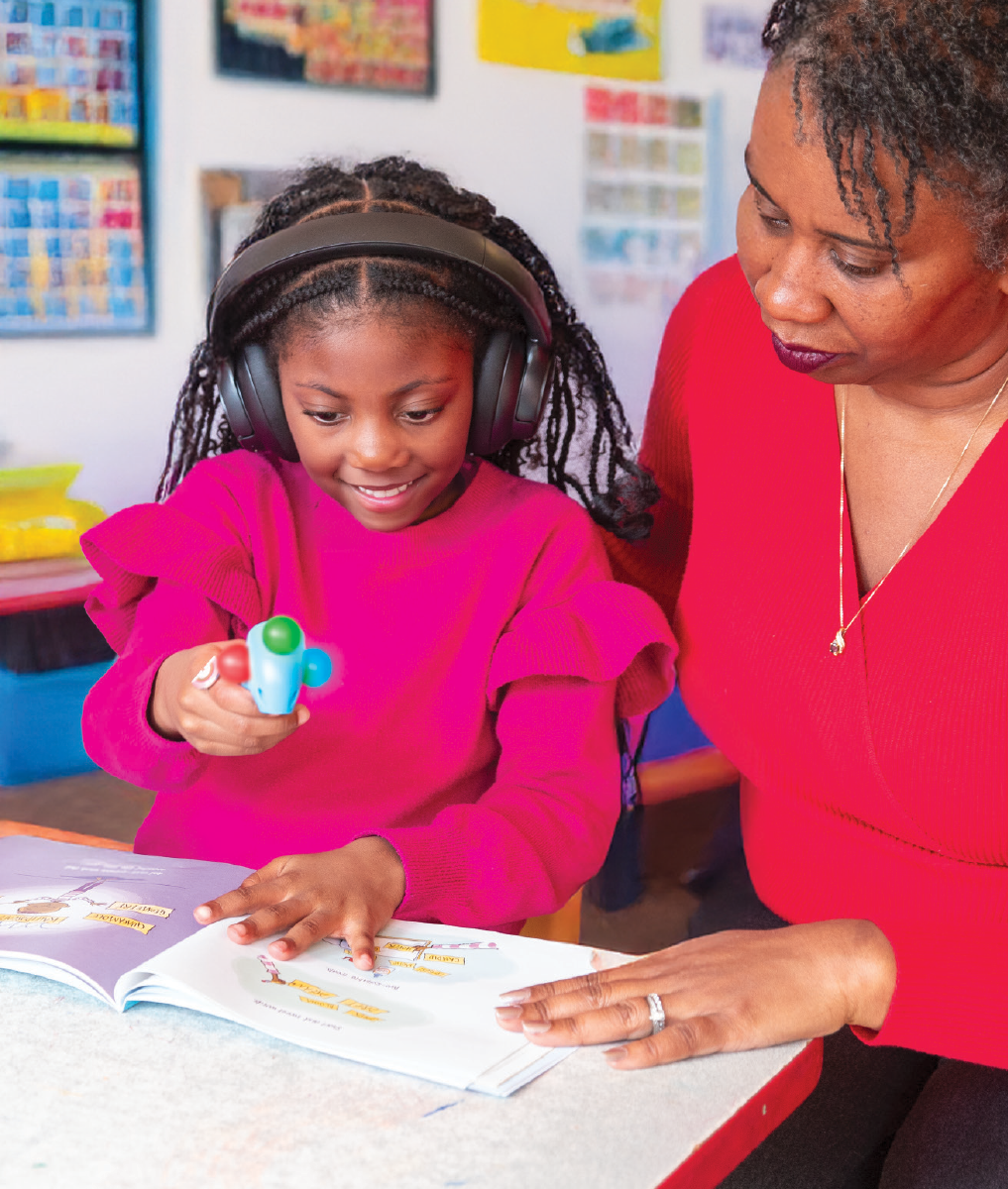
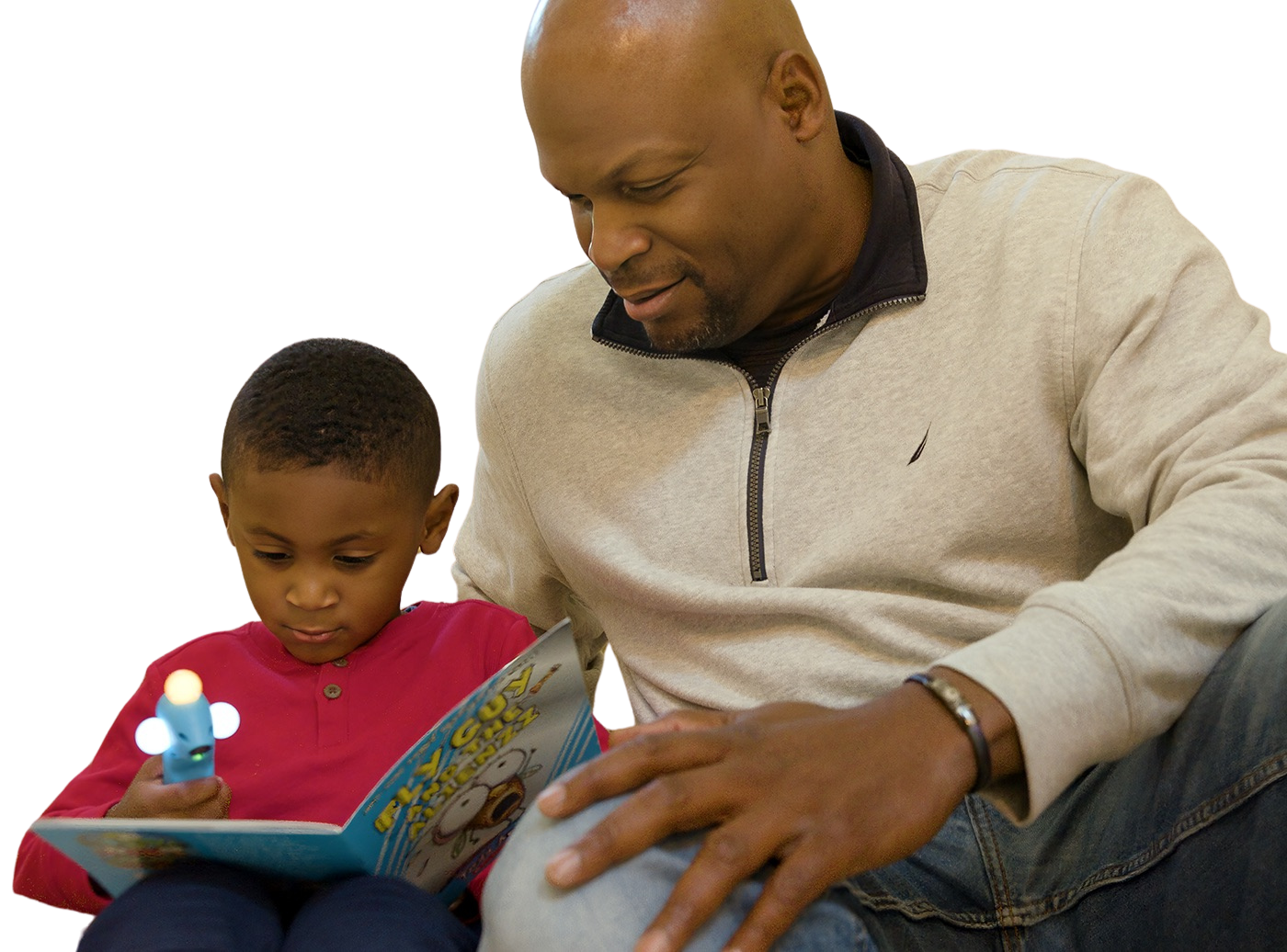
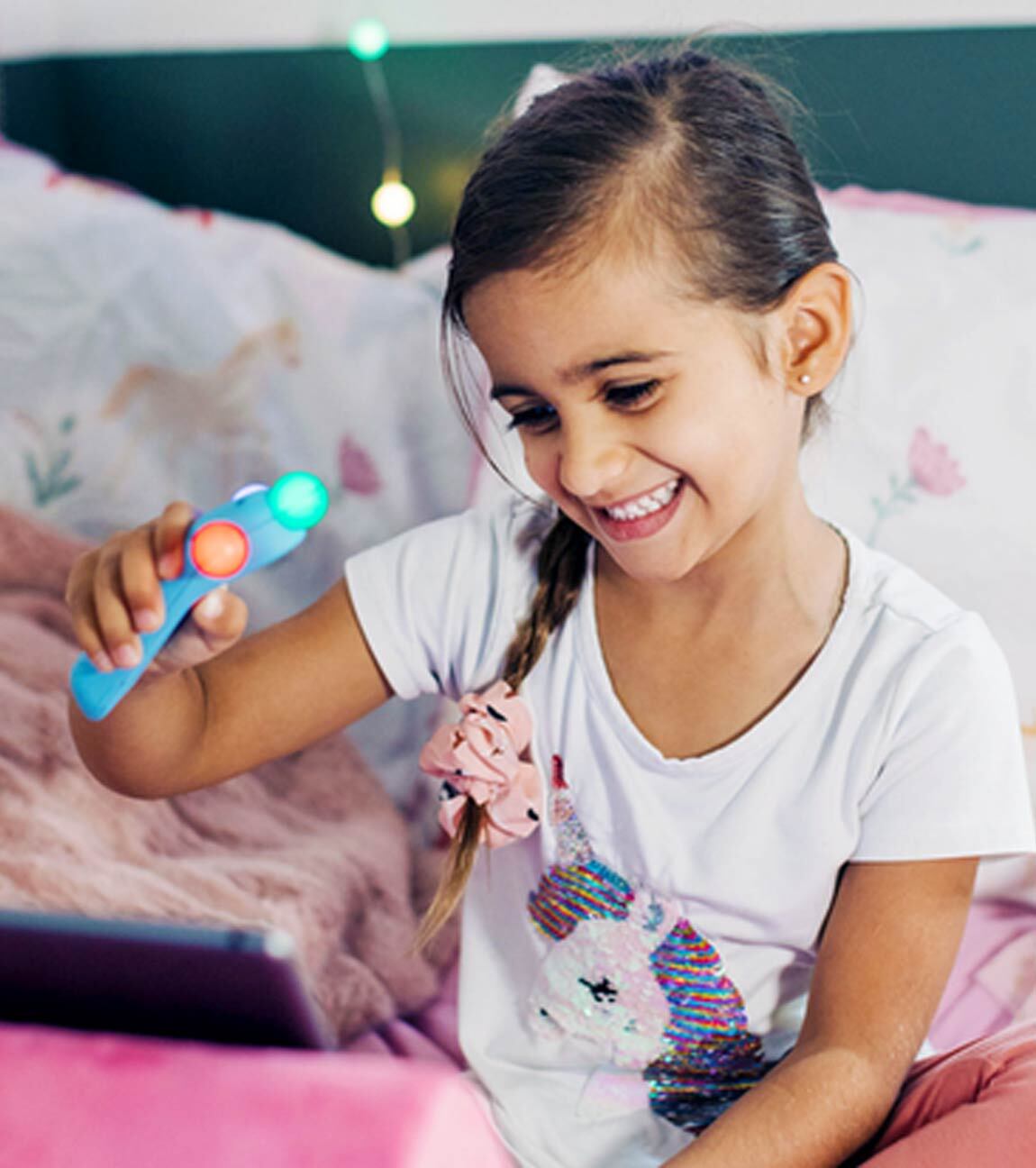
We partner with pioneering organizations to bring the Kibeam Wand Reading System into homes and classrooms around the US. Each program features books that have been selected specifically for that program. Click on your program below to learn more about how it works and what to expect.
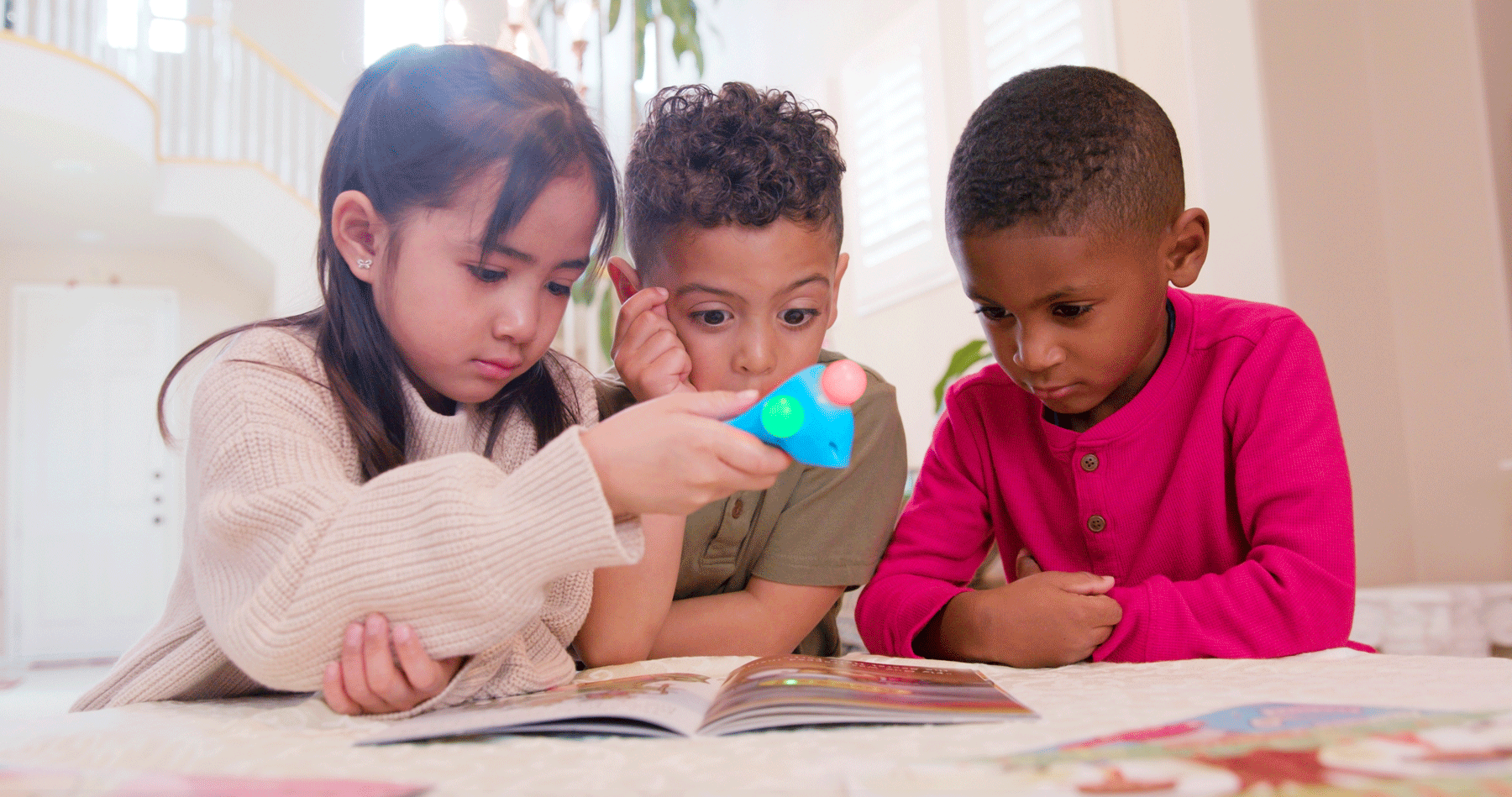
Find Your Test Program
We partner with pioneering organizations to bring the Kibeam Wand Reading System into homes and classrooms around the US. Each program features books that have been selected specifically for that program. Click on your program below to learn more about how it works and what to expect.
Meet Our Pilot Partners
-
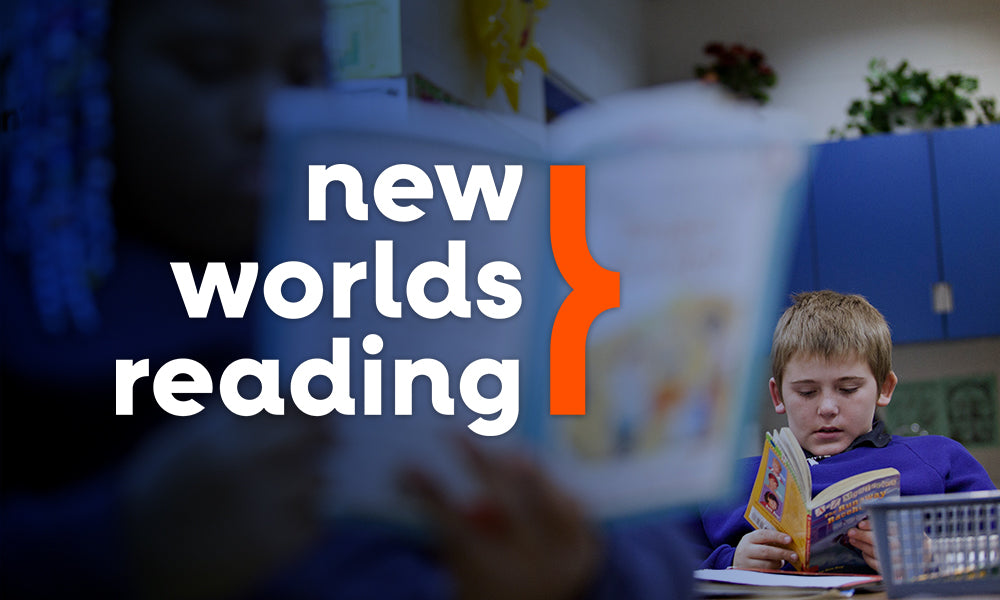
New Worlds Reading Pilot Program
LEARN MORE ABOUT NEW WORLDS READINGWe partner with pioneering organizations to bring the Kibeam Wand Reading System into homes and classrooms around the US. Each program features books that have been selected specifically for that program. Click on your program below to learn more about how it works and what to expect.
-
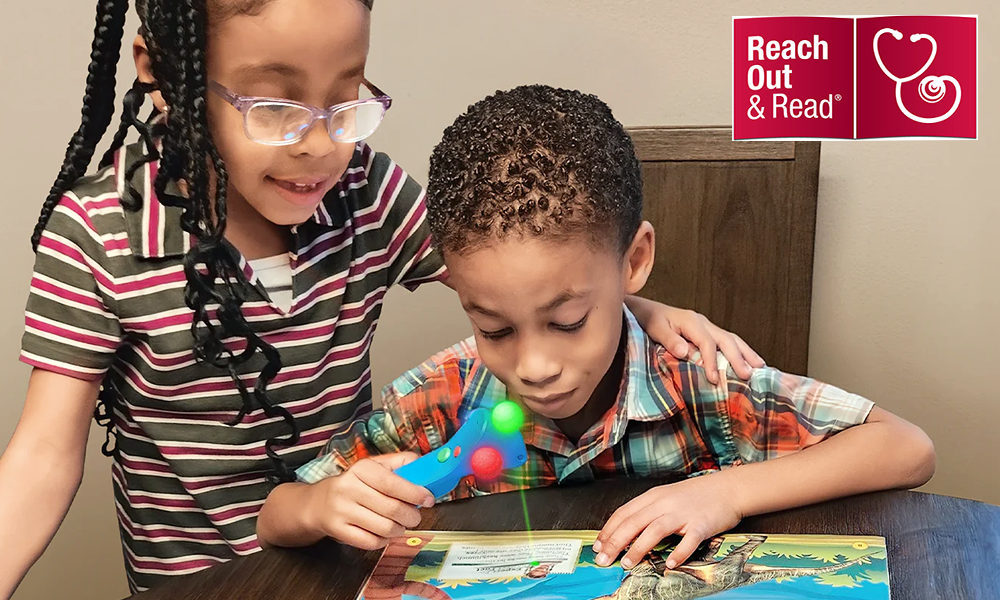
Reach Out & Read
LEARN MORE ABOUT REACH OUT & READWe're excited to collaborate with Reach Out and Read to provide a Kibeam Wand and wonderful books authored by Jesse Byrd to 1,000 families in the Bay Area! In this program, you and your child will use their Kibeam Wand to read, play and interact together with the books given to you at their well-visit.
